Heals you can see, a header that folds
A big pass over the interface. Heals show what they will restore before they land, enemy incantations say what they are preparing, and the combat header folds away to show the scenery. The map paints its zones, the camp's pages turn with a swipe, and the title screen tells your games apart at a glance.
Heal knowing what comes
- Heal preview: hold a healing spell, or drag it onto a hero, and the hero's HP bar shows what it will restore, “+46”, or what a full bar would waste, “+9 · 37 over”. On PC, hovering over the spell is enough
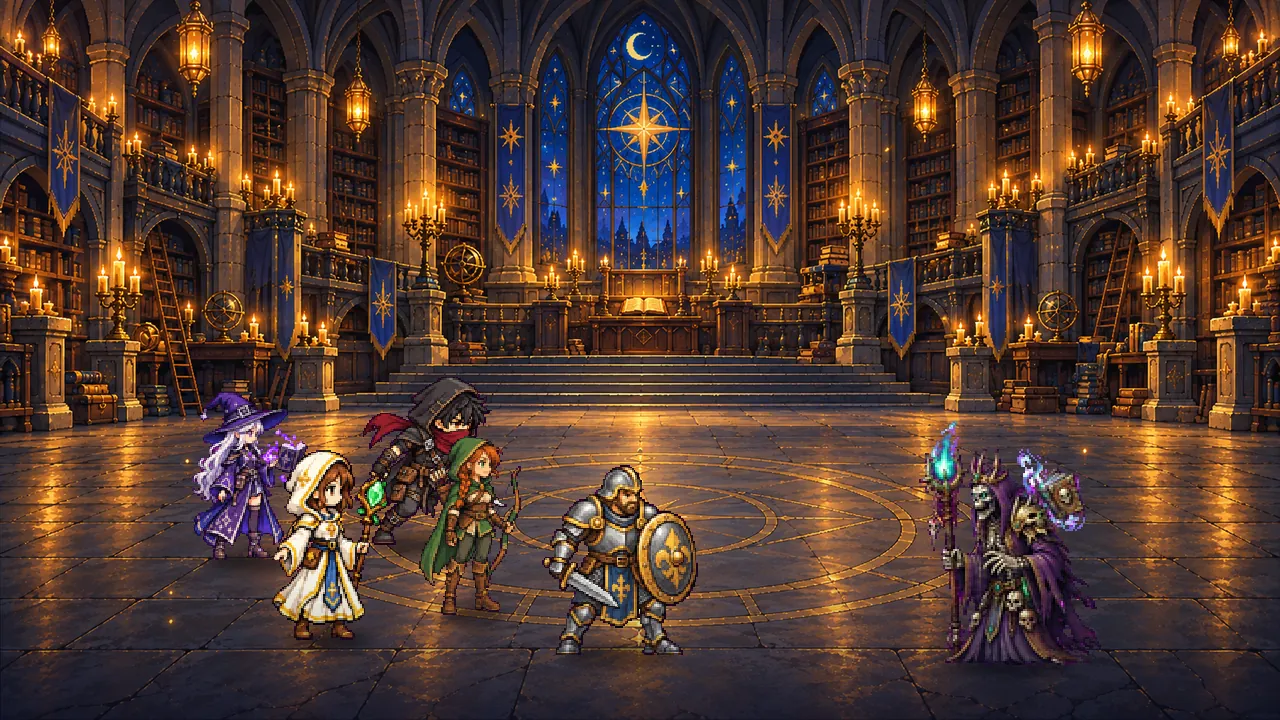
- Enemy incantations say what they are preparing: “Toxic cloud · poisons the party”, “bomb on a hero”, “healing reduced”… Enough to choose between interrupting and getting your heals ready
- Resurrection lights up as soon as a hero falls, as Interrupt does when an enemy incants. During your own cast, the other spells keep their cost, greyed out, instead of all reading “After the cast”
- On phones, the spells still locked fit on one line, “Next spell”, and each level adds its own to the bar: the arena keeps its room
More room for the arena
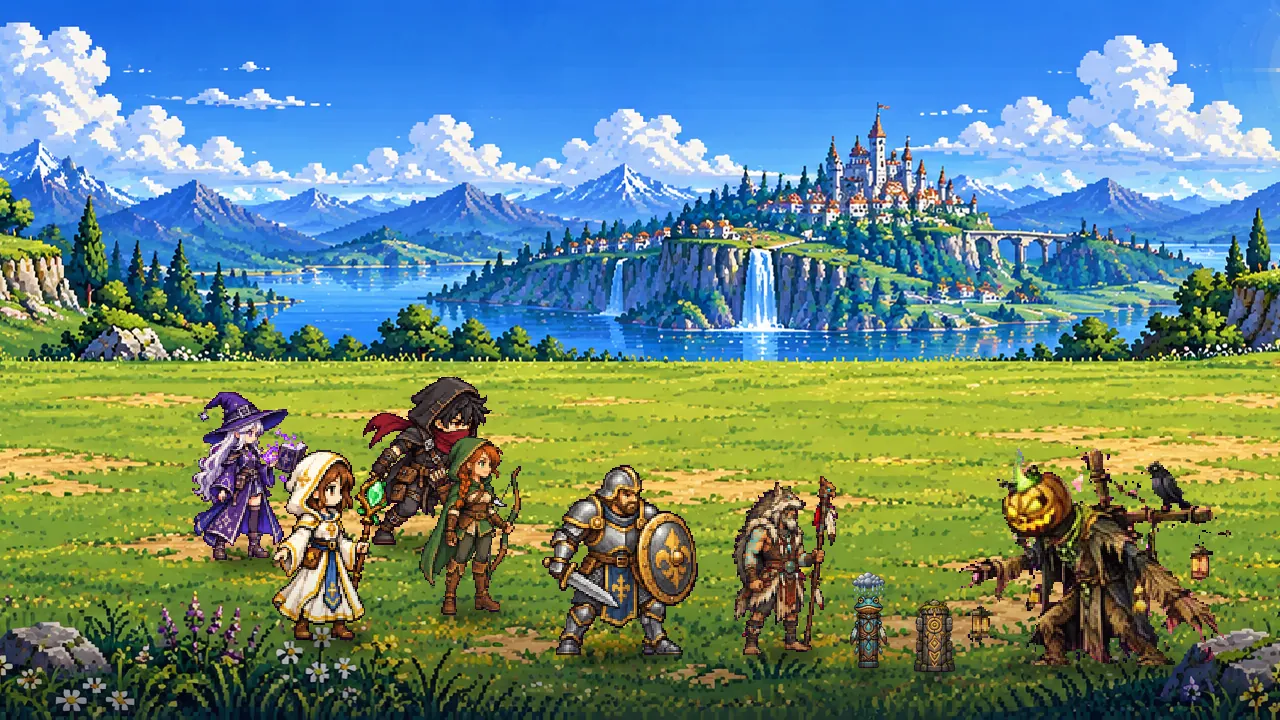
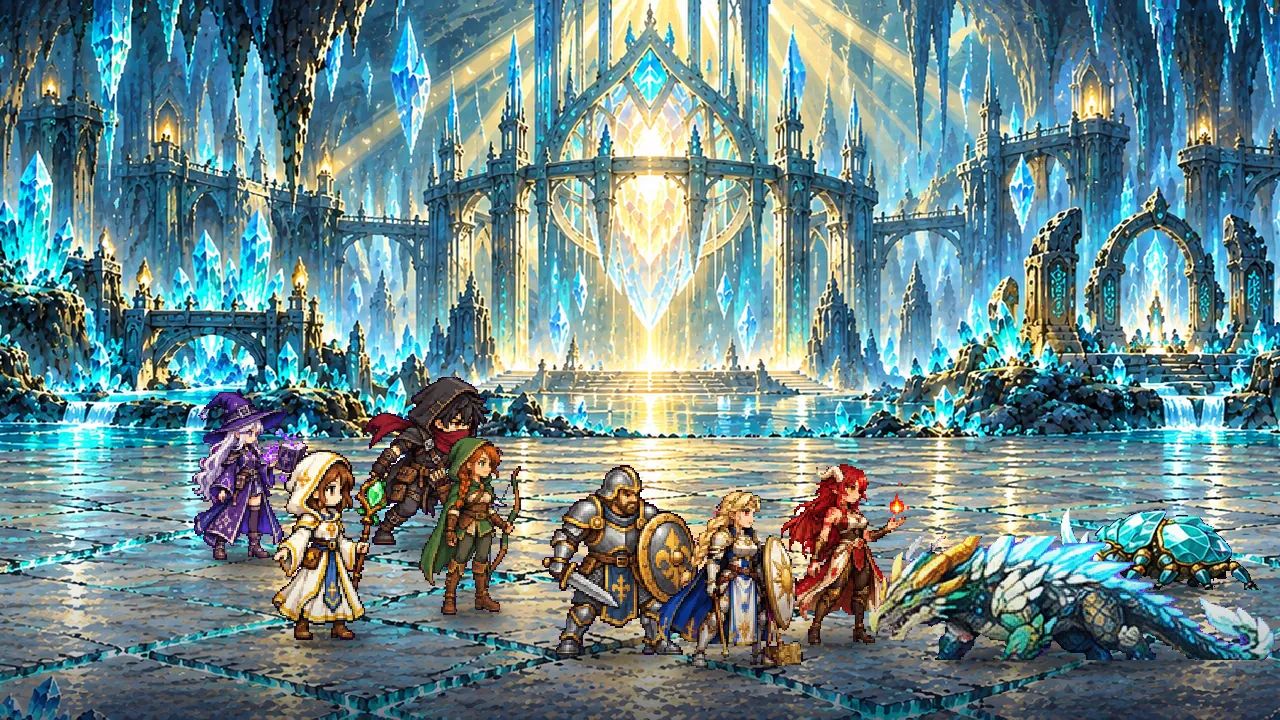
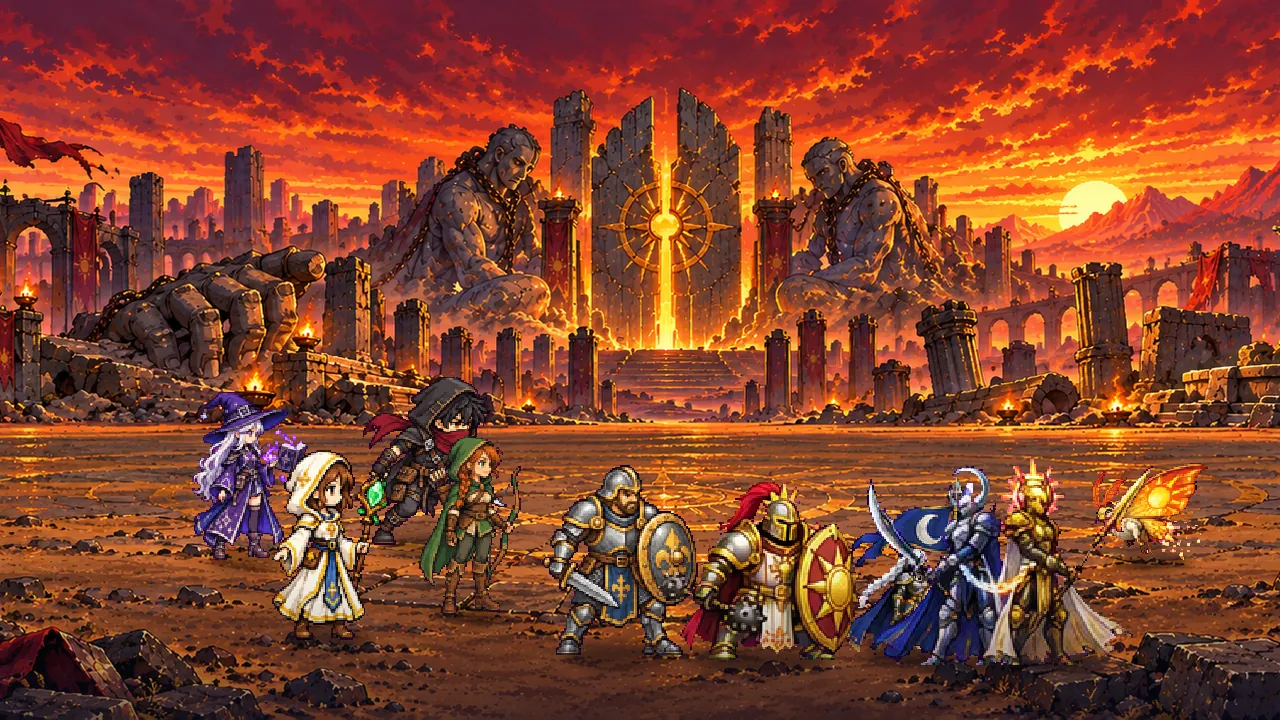
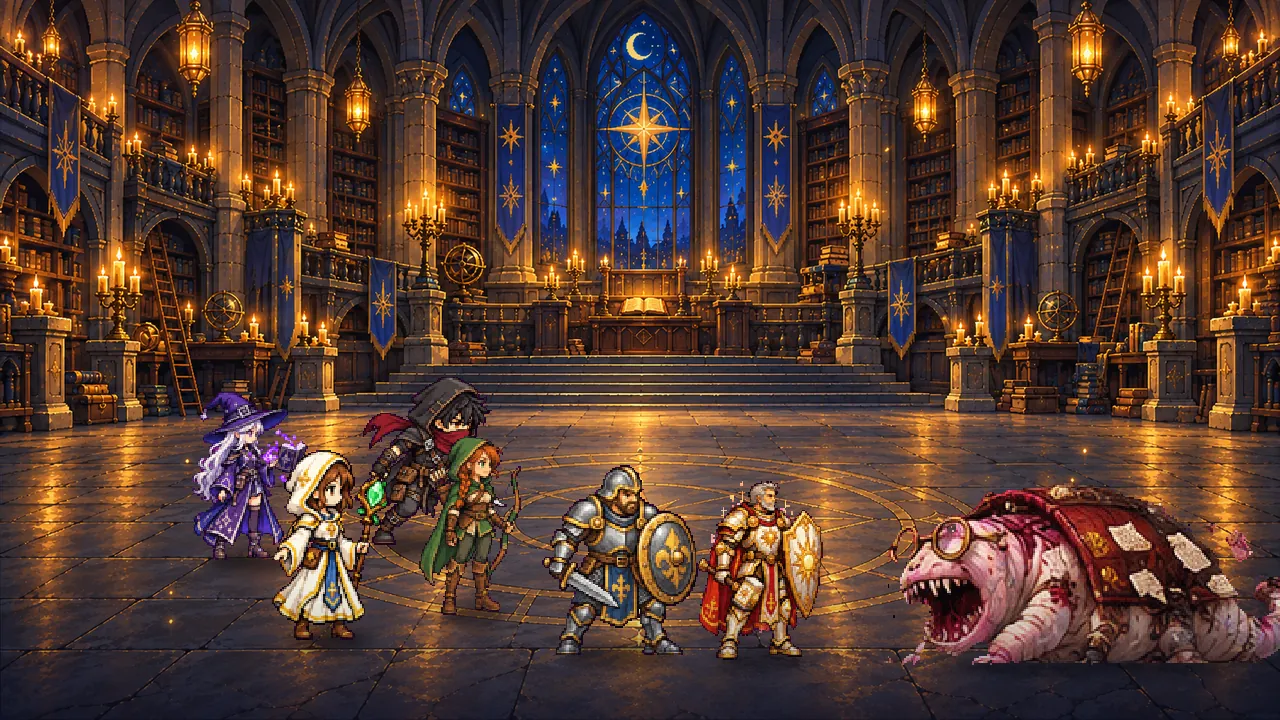
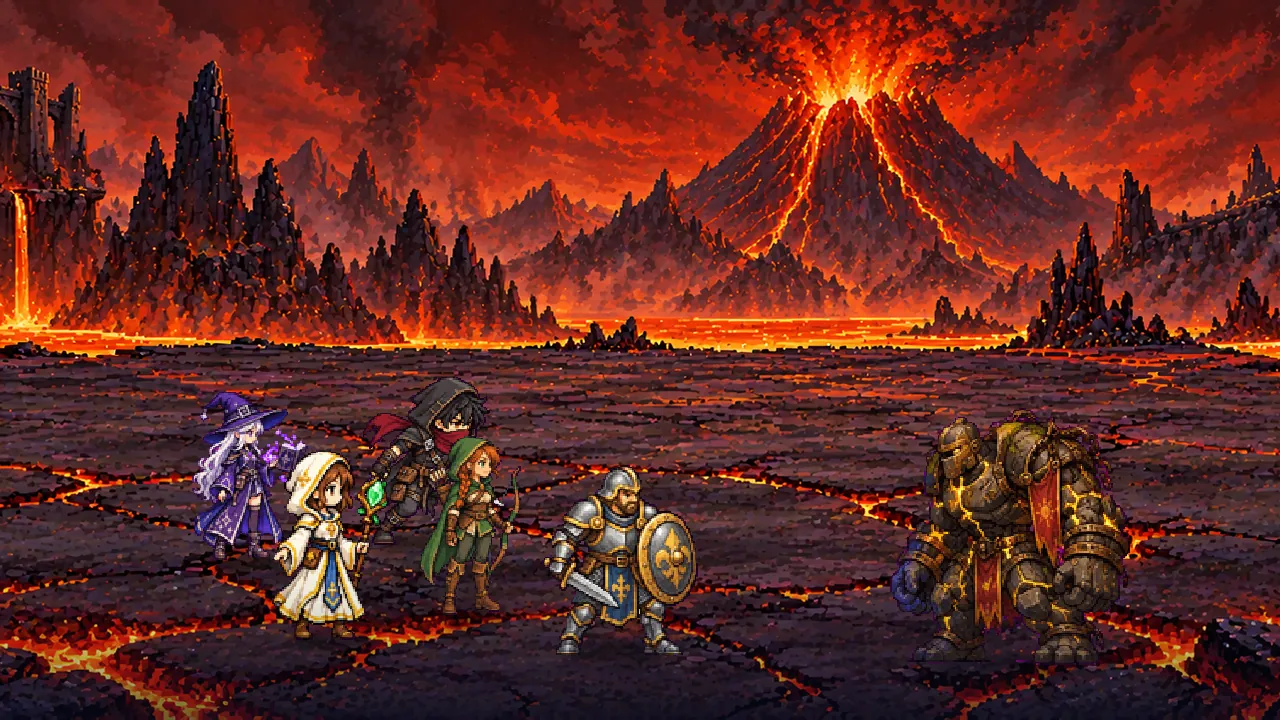
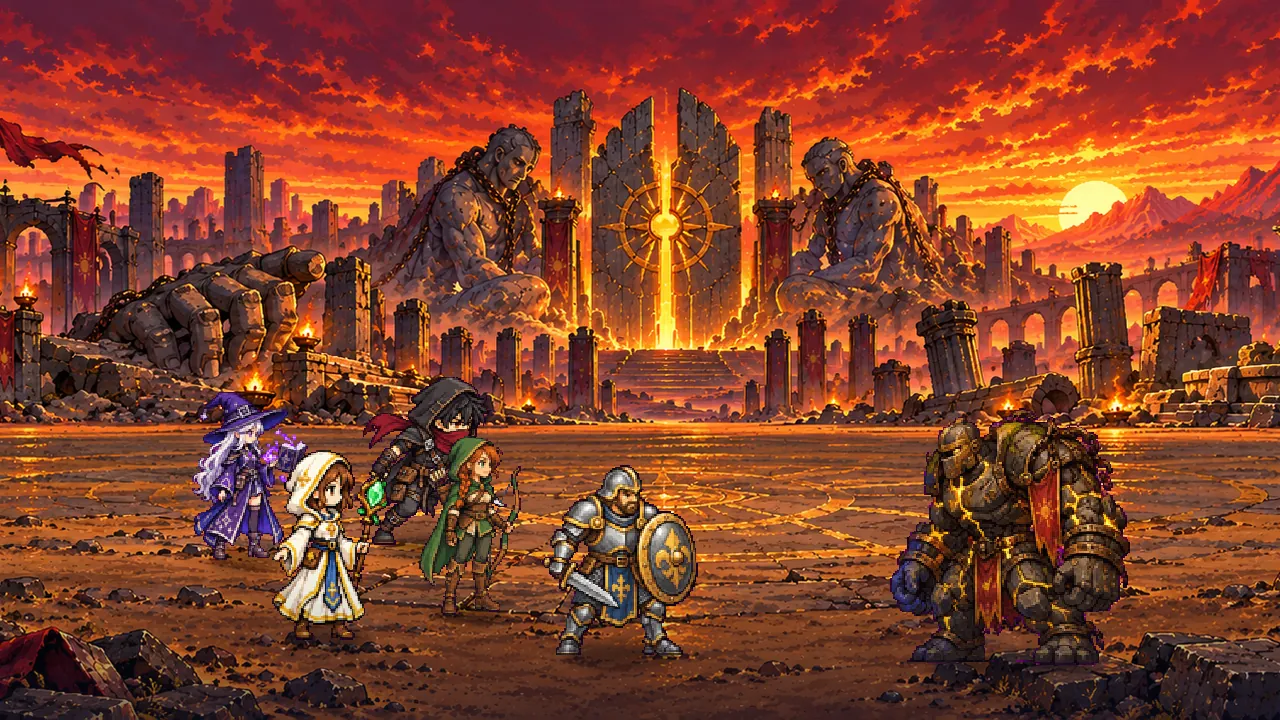
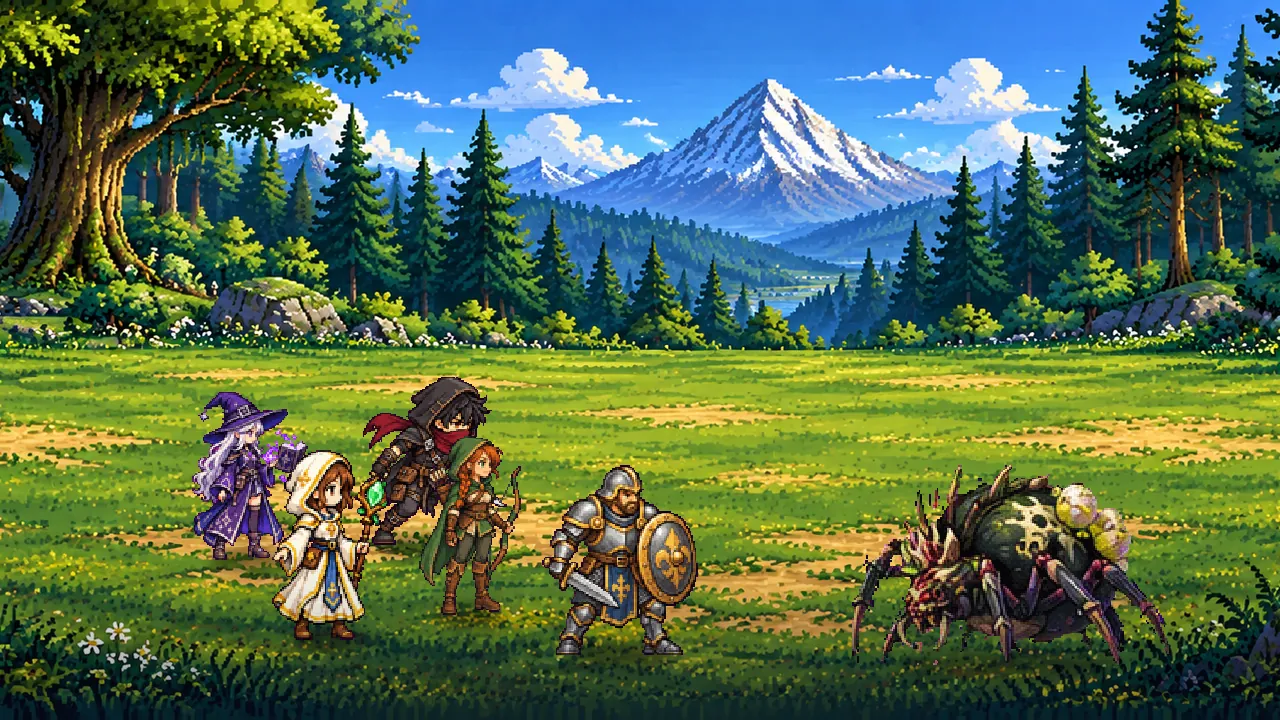
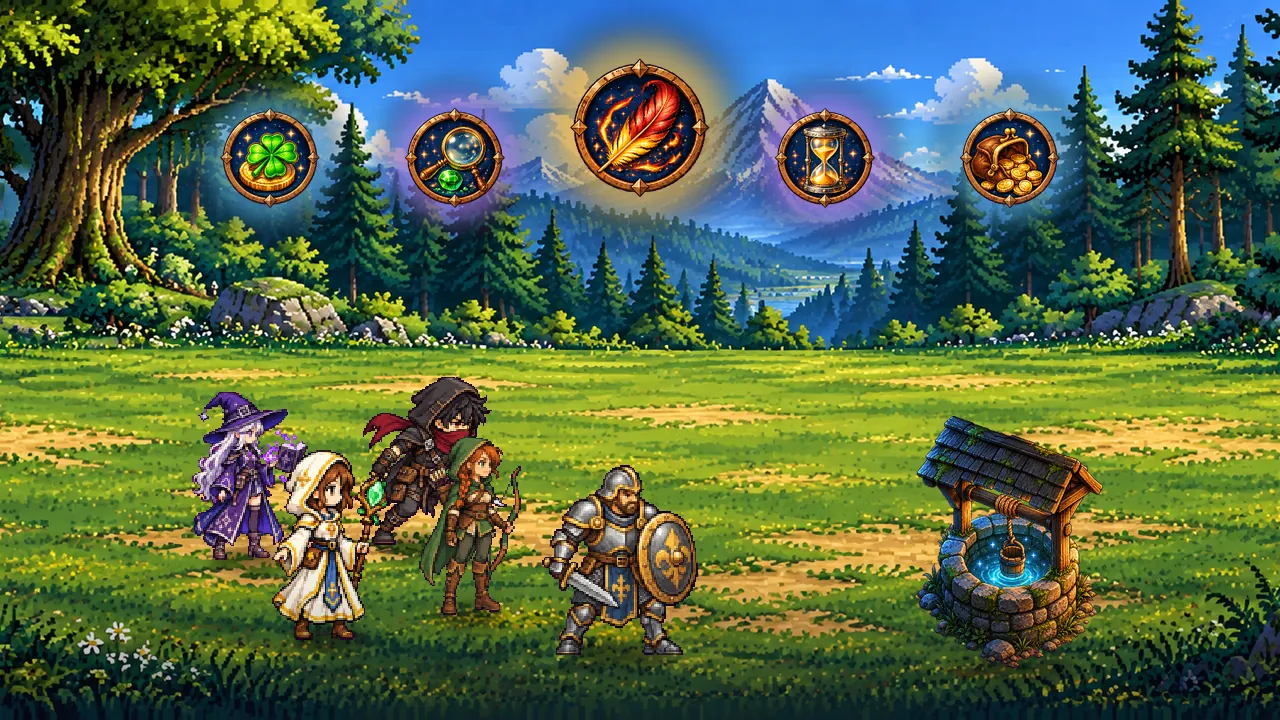
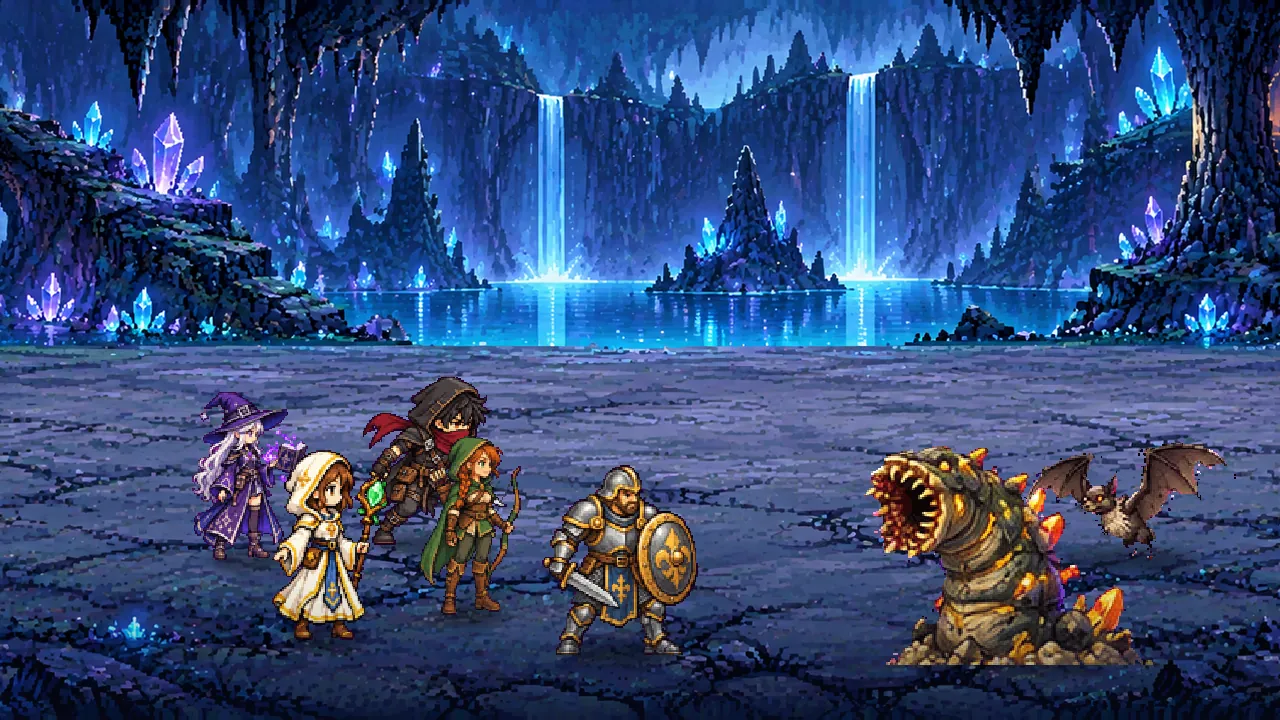
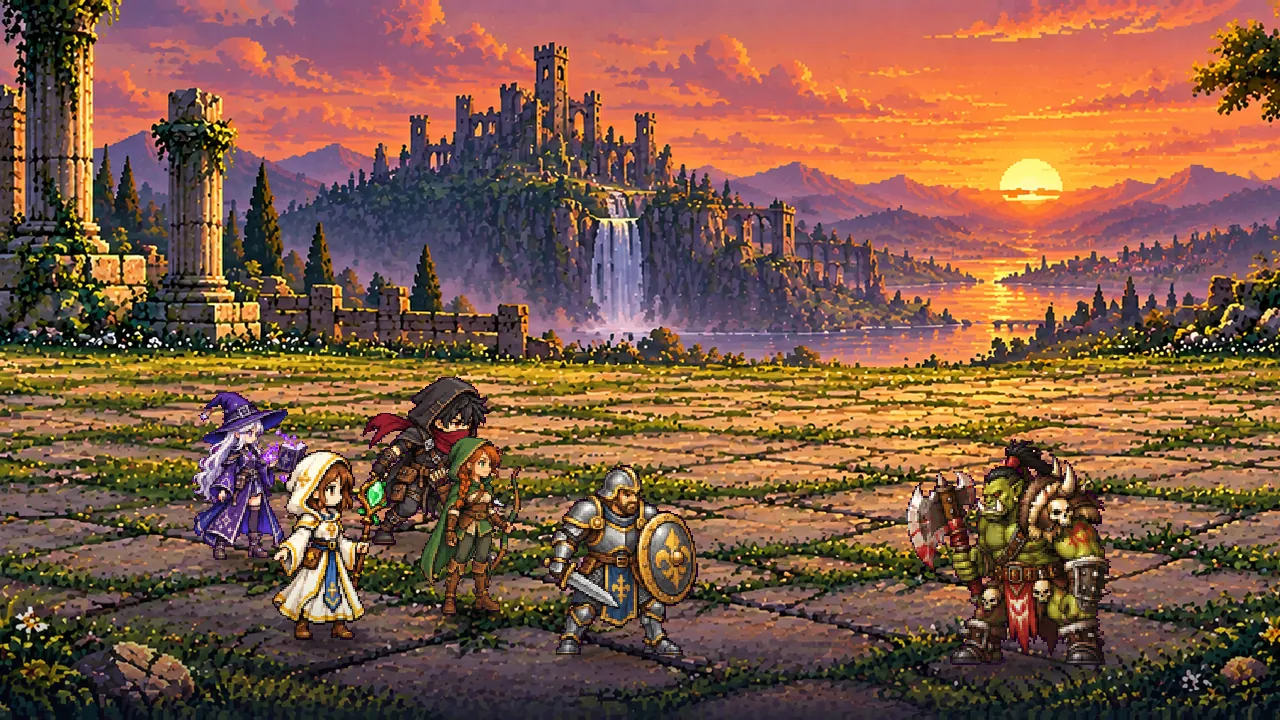
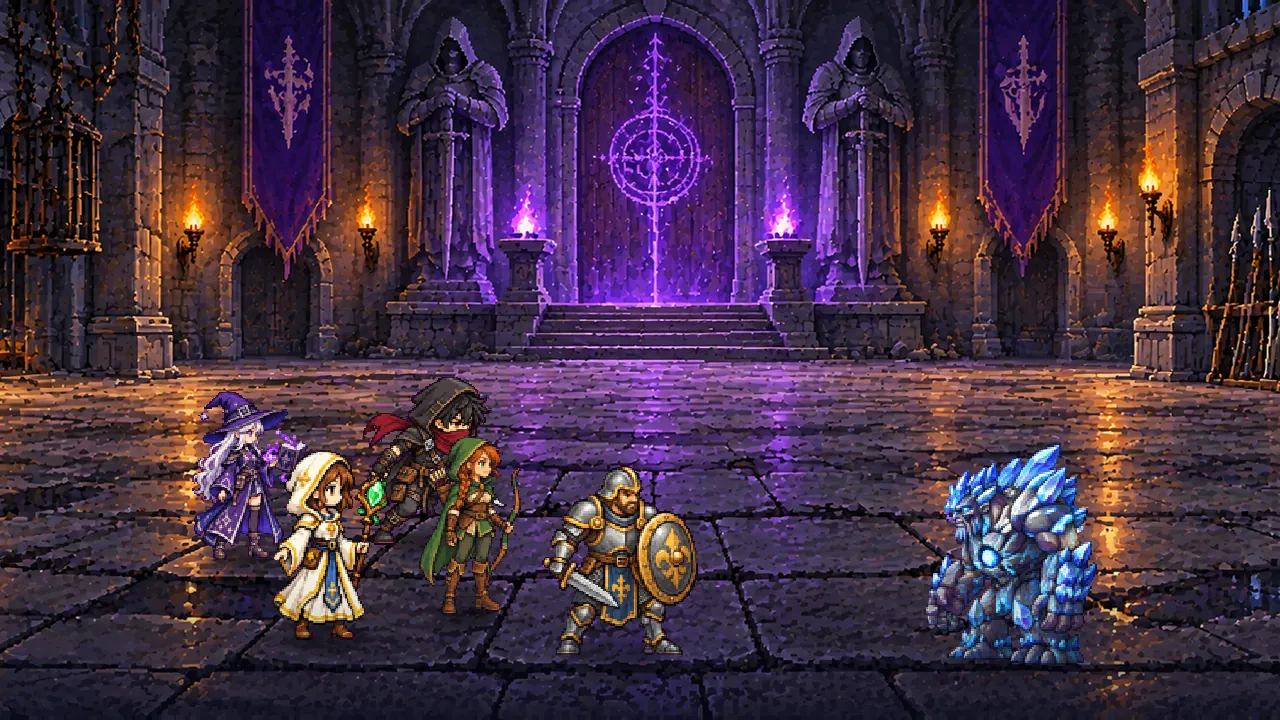
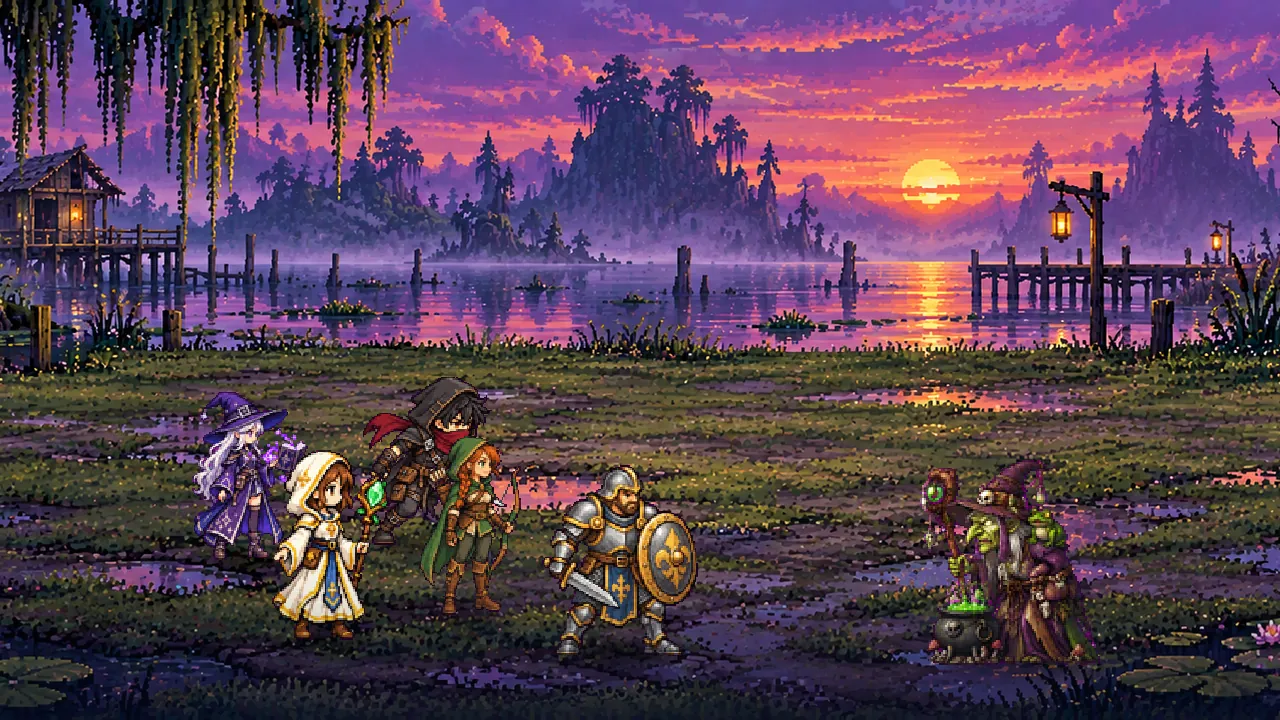
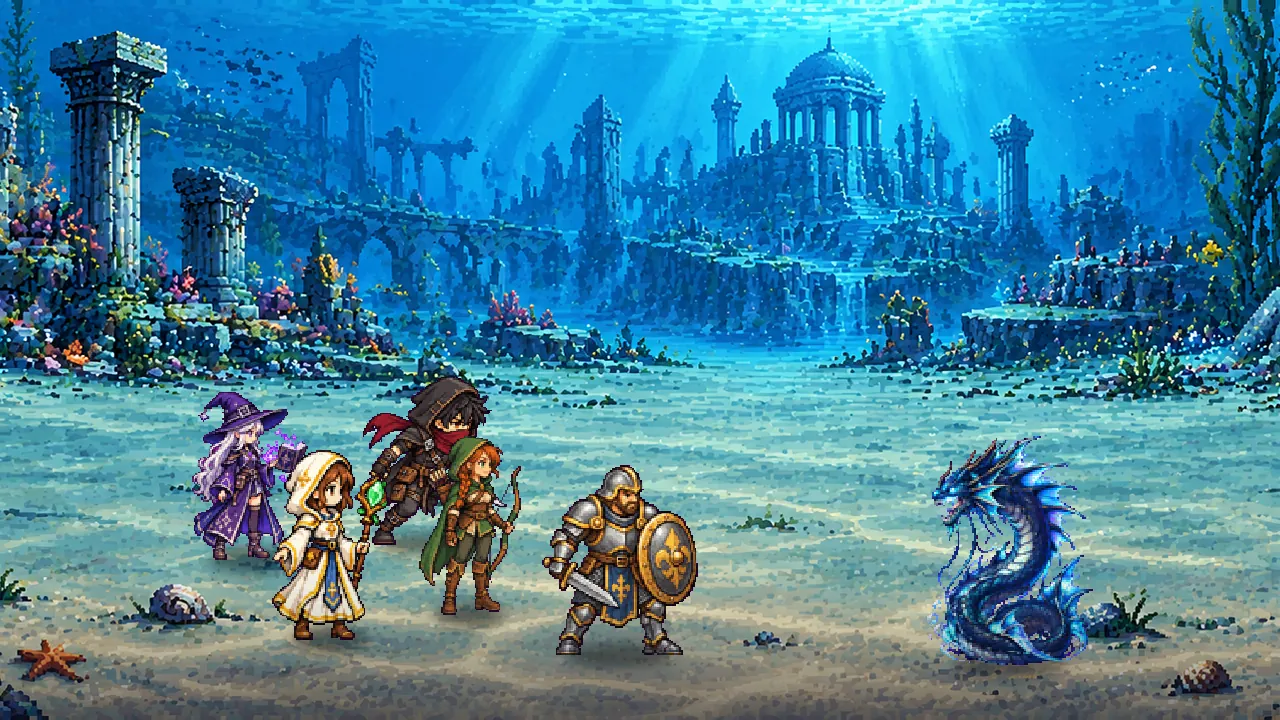
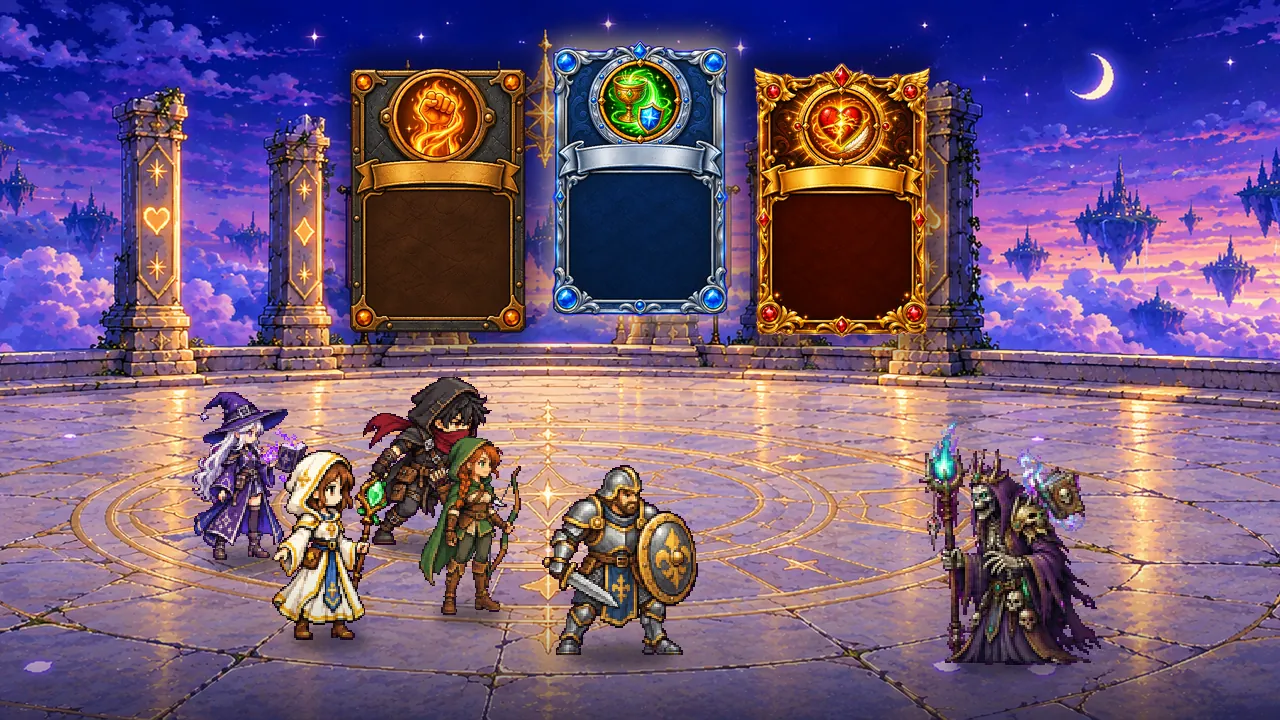
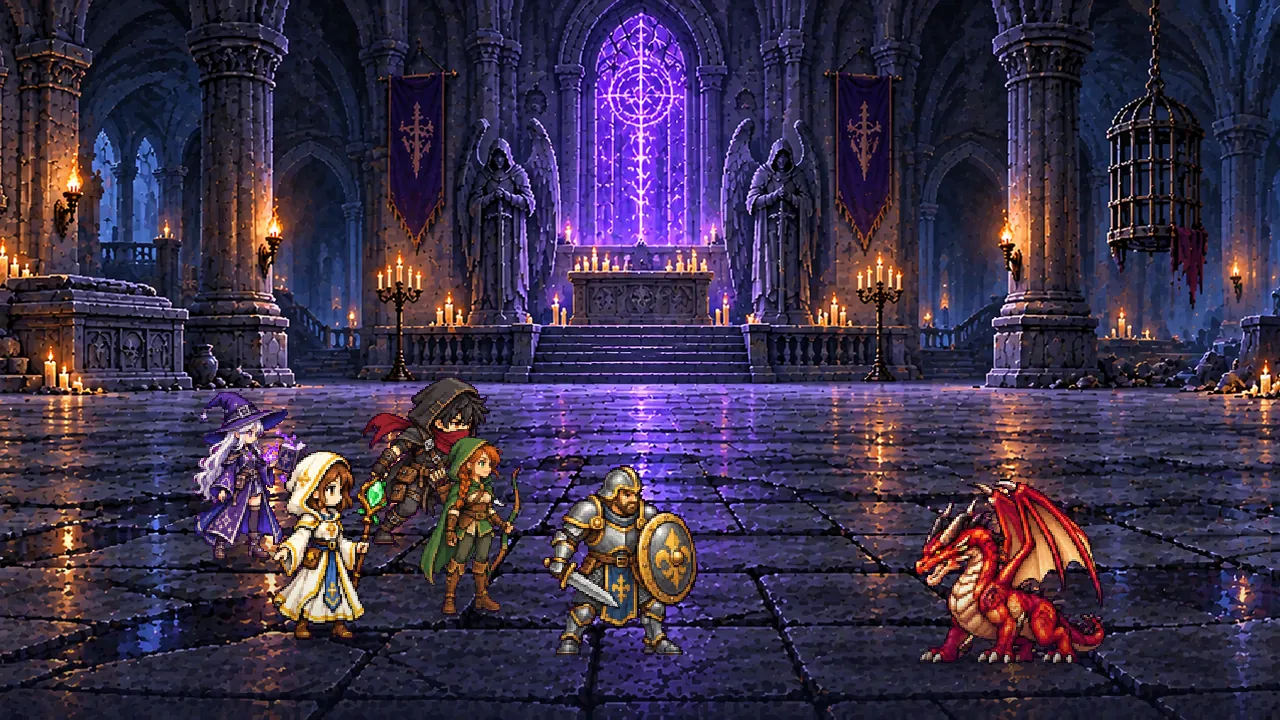
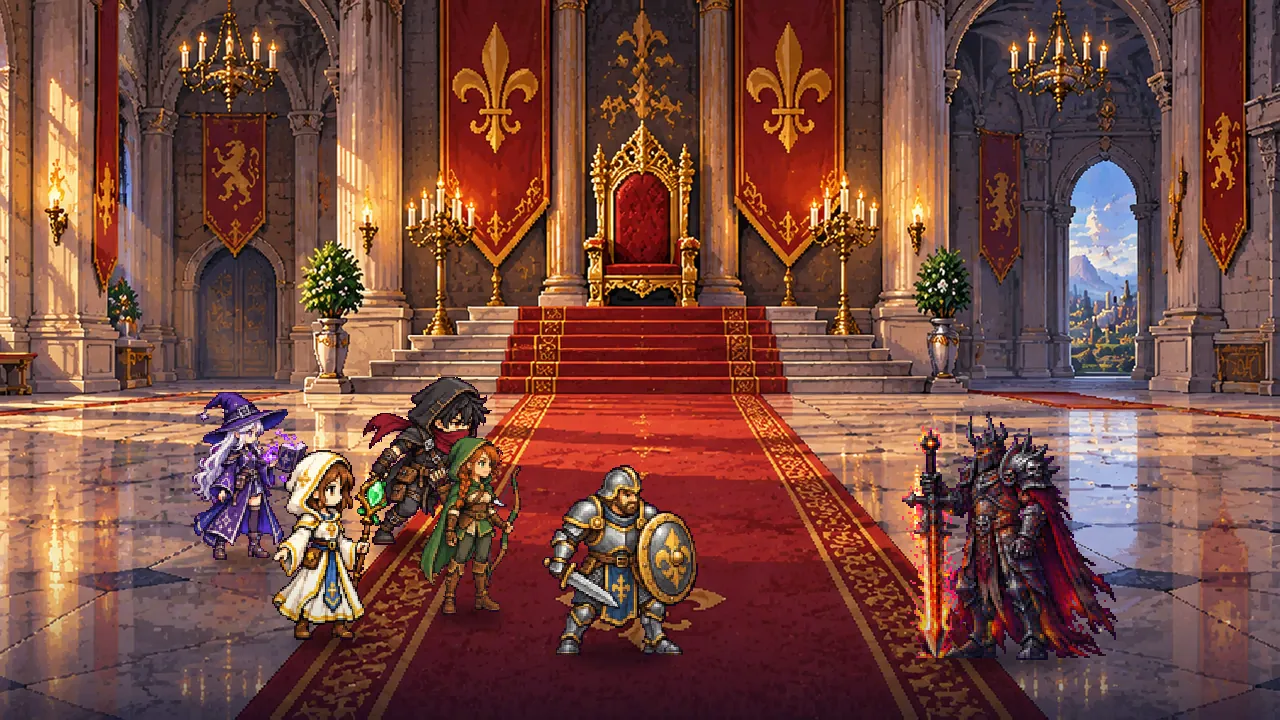
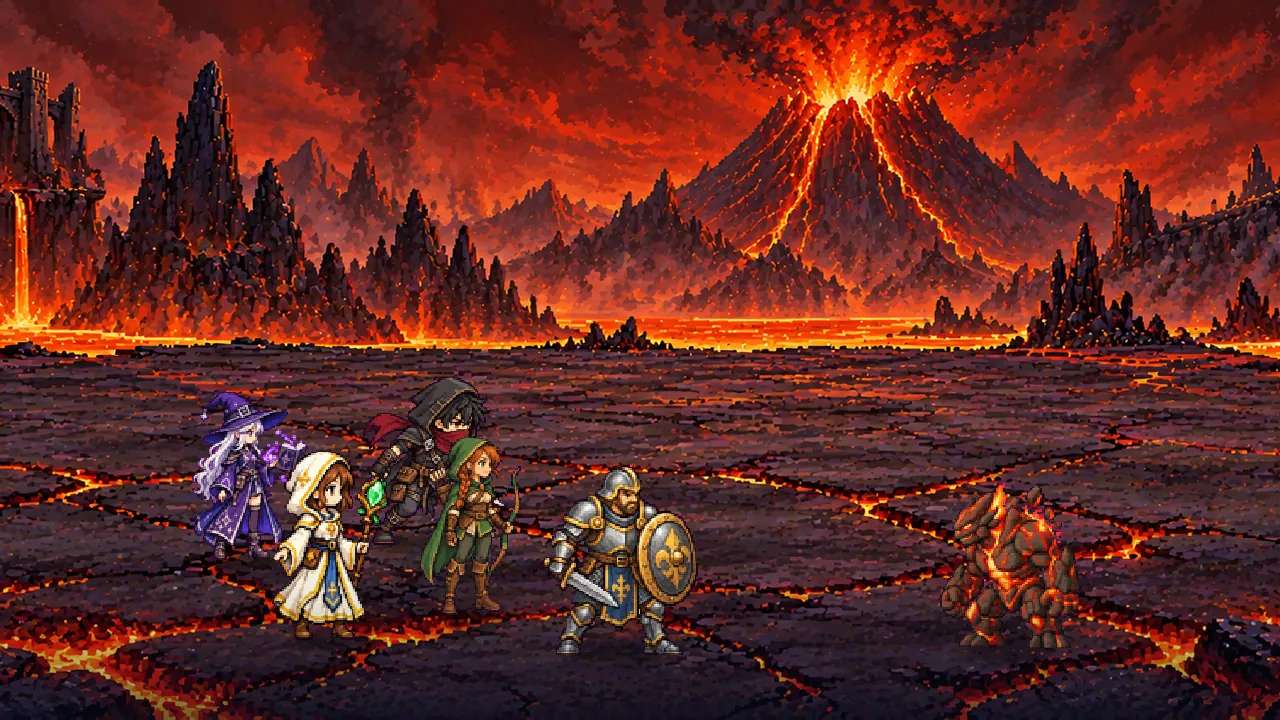
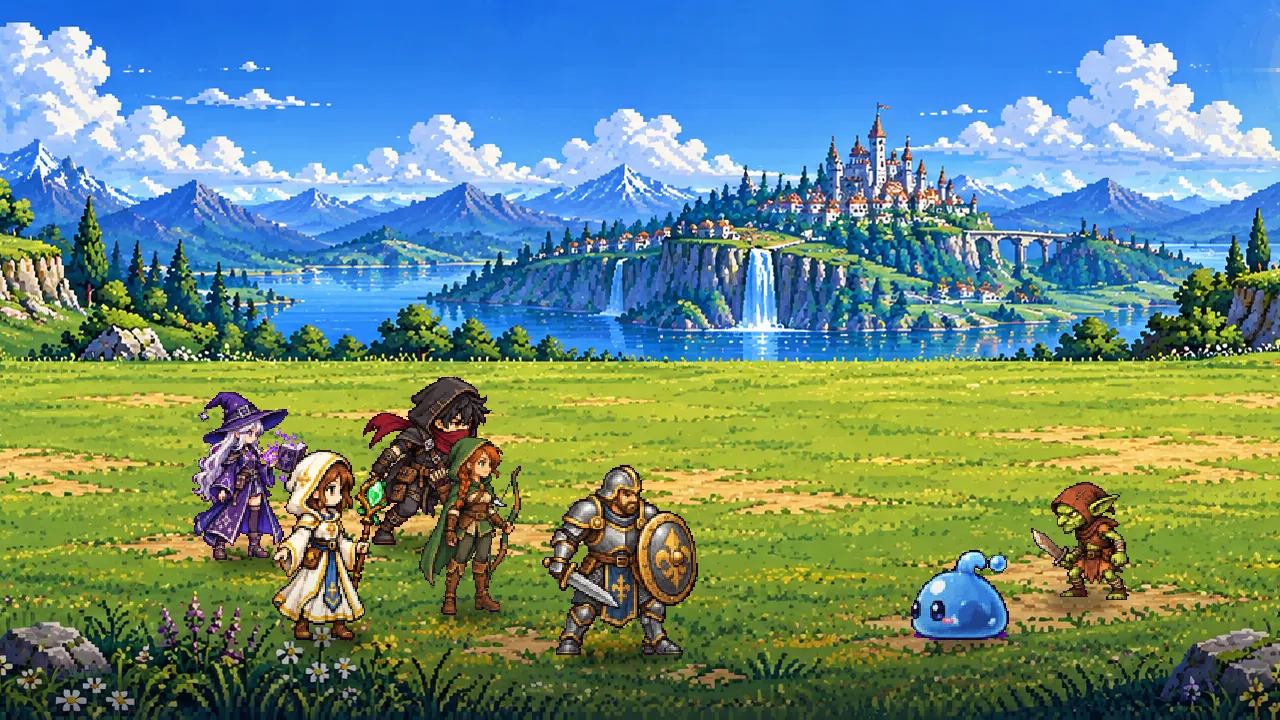
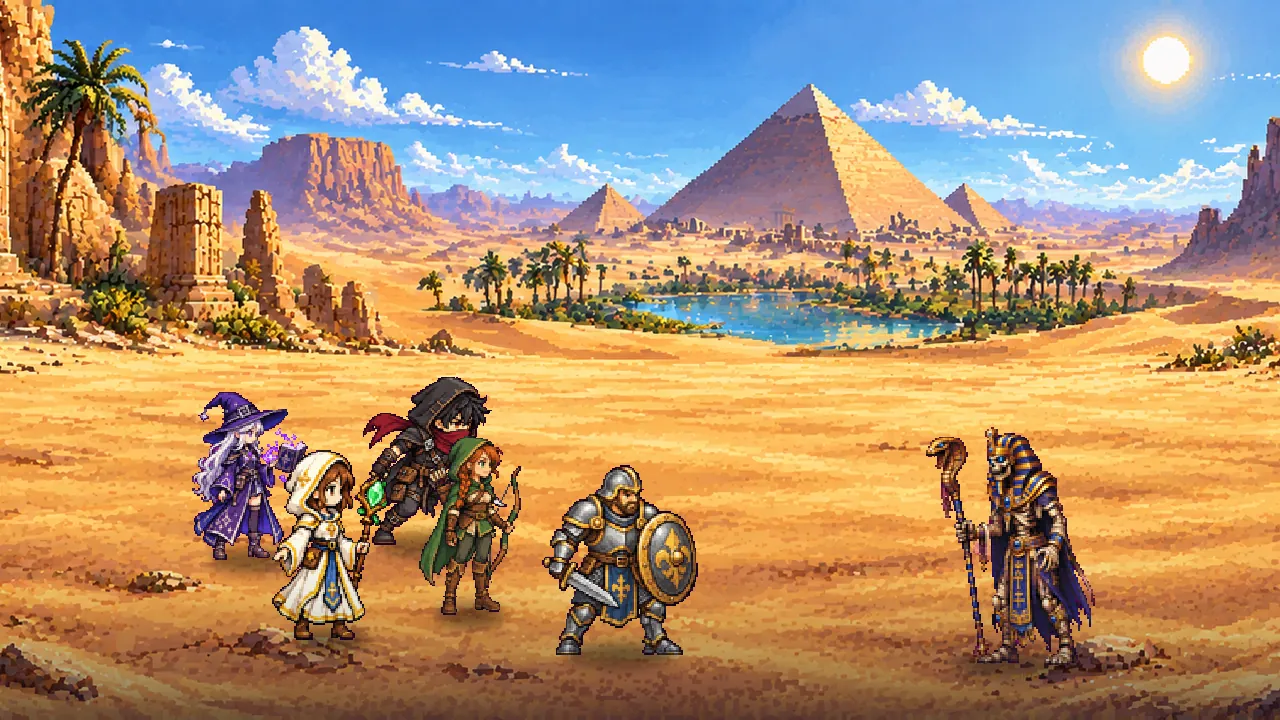
- The combat header folds with a tap on its chevron: the wave track and the level bar step away, and the arena gains up to 70 pixels of scenery. x2 and Auto stay on the title line, and a thin gold line keeps the level's progress
- During a dungeon, the arena square that pauses the trial becomes a stop square: it leaves the descent, rewards kept
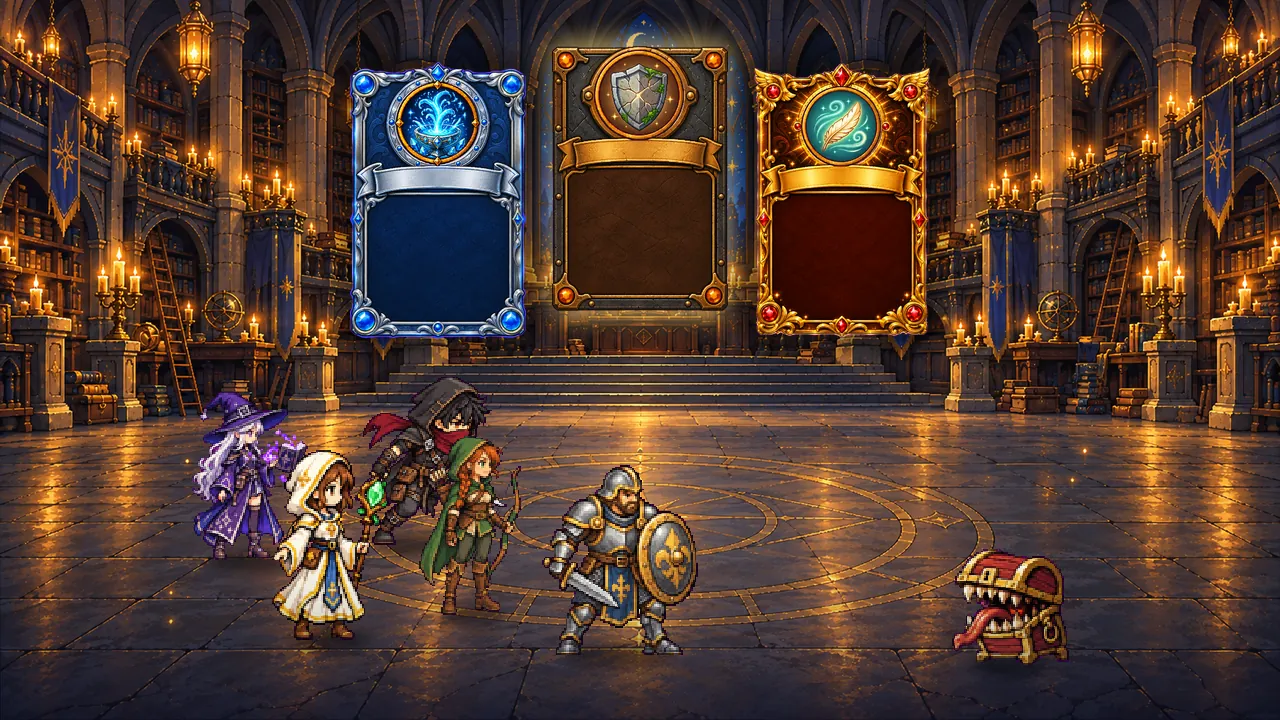
- The loot card sits on solid wood, its name outlined: it reads over any sky
- Settings › Screen shake: turn off the arena's jolts on boss hits and retreats
The camp and the map
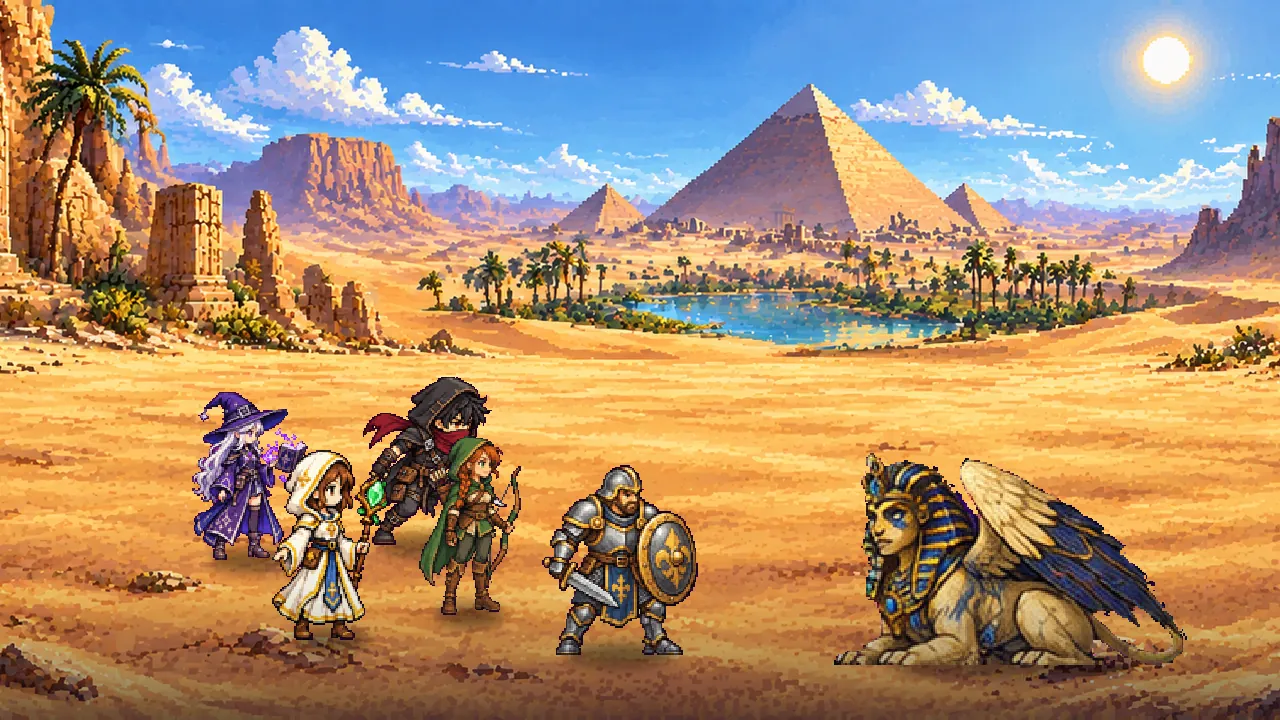
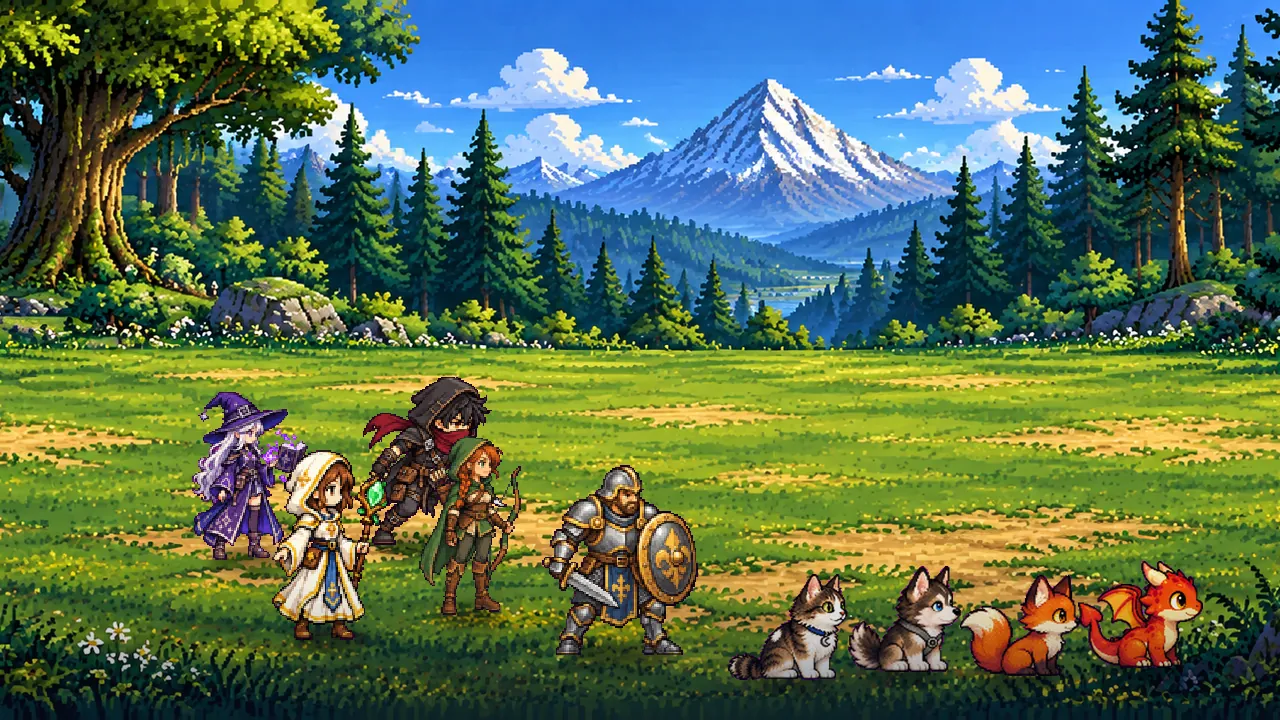
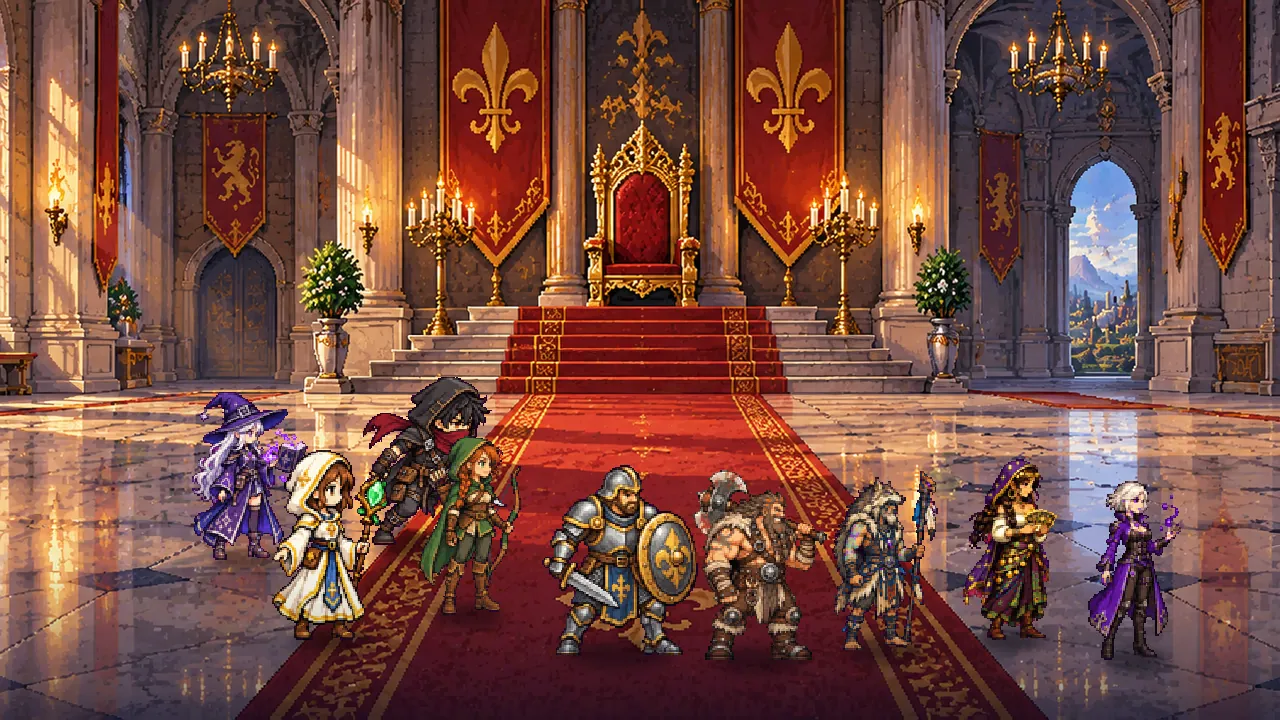
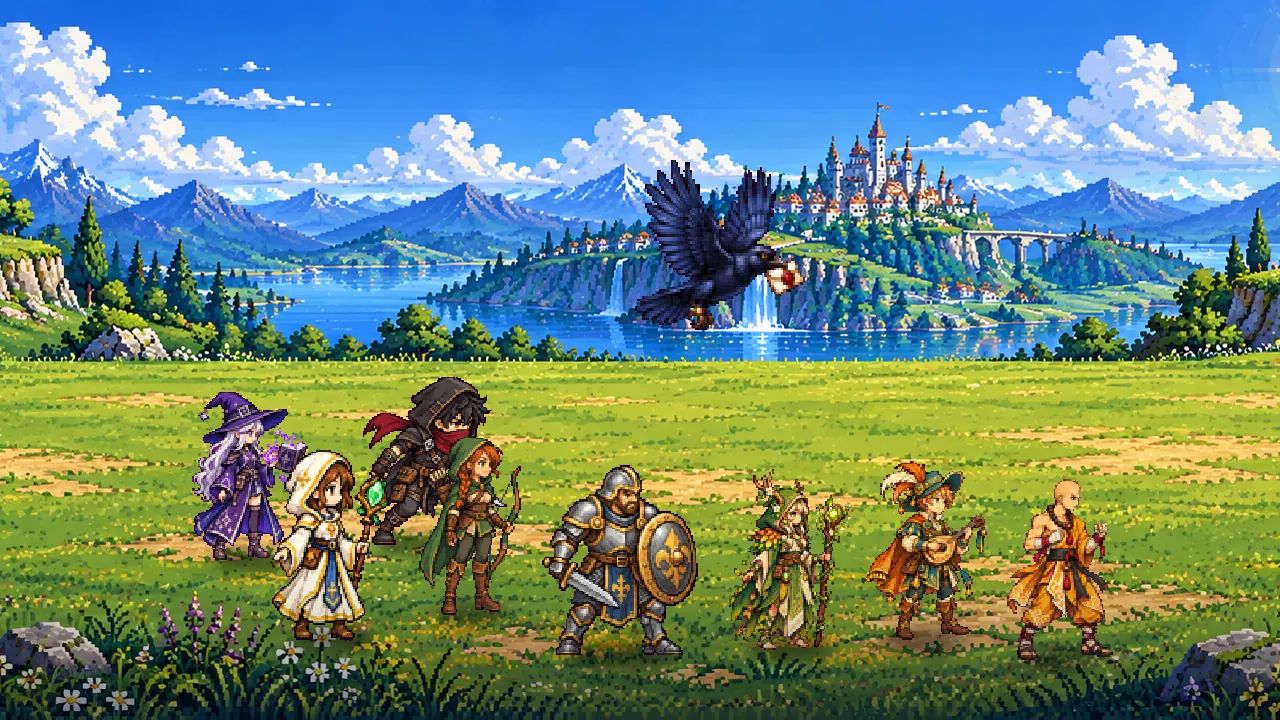
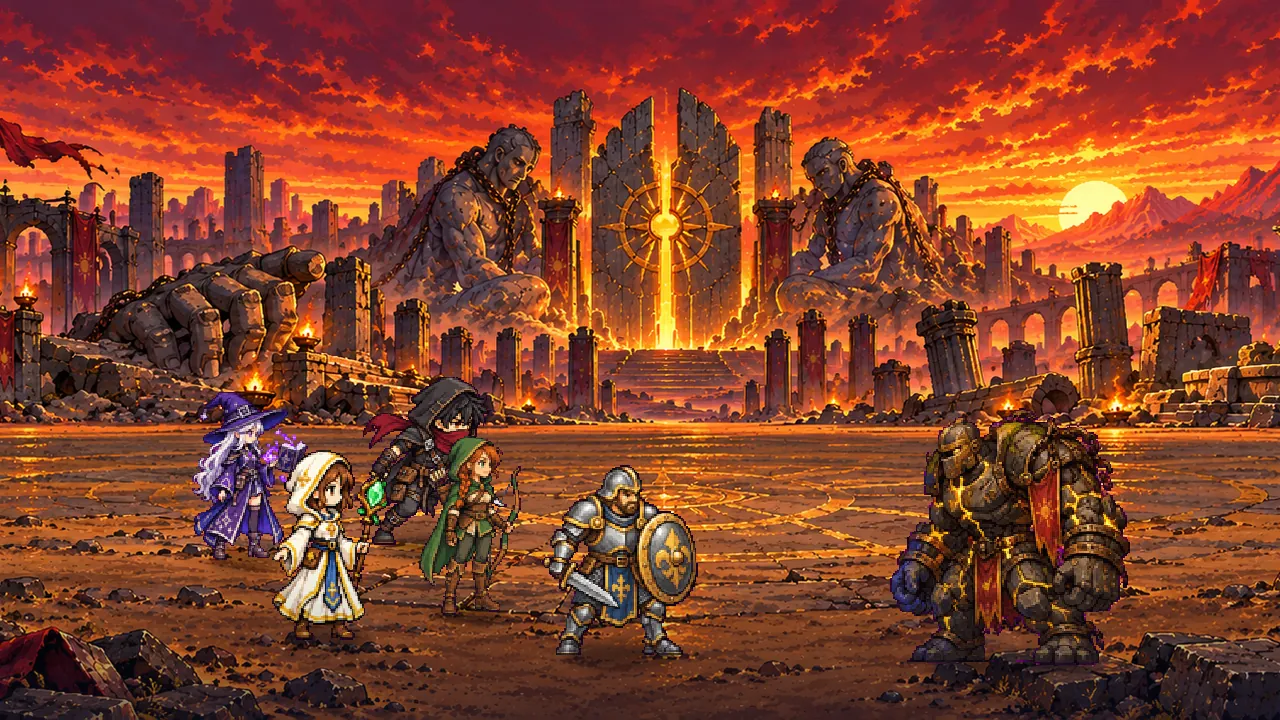
- The map paints its zones: each row shows its zone's painting, faded until the zone is reached
- Swipe to turn the pages: from Spells to Attributes, from Quests to Bestiary, with one sideways swipe
- The camp's pills spell out their reasons, “talent to learn, new relic”, instead of a “+1”, and the pages no longer repeat their list of tabs, nor show the purse where nothing is bought
- An empty relic slot shows the silhouette of its first relic and the boss guarding it
- Dungeon, Trial and Ascension put their button first and their rules behind Rules, and the companion cards tighten up
Weapons and rewards
- Comparisons in colour: on a weapon's sheet, damage and HP are compared under “Equip on …”, what drops in red, what rises in green
- With the dark theme, weapon names take their rarity's light shade: a common weapon no longer disappears into the wood
- A real drawn check mark replaces “√” everywhere: gift claimed, achievement earned, talent learnt, weapon and outfit worn
- Season: a padlock on the premium lane without the pass, and the tiers not reached yet fade. Gambits: the locked example rule shows its padlock and its level
Leaderboards
- The Trial card gives your place, live, on its record line: “wave 57 · 3rd of 42”
- “See the top” opens a real leaderboard window, and a tap on a row shows its whole line
And also
- The title screen shows for each game the portrait of its class, when it was last played, and a trial on pause
- The report of an absence becomes a card, the gold and the XP in large figures
- A What's new window presents each version once, to read again from the settings, and the start no longer chains windows: the news go first, the day's gift waits on its dot
- The combat report's journal fades each wave's list of enemies, so retreats, bosses and loot stand out
- “Sync” only shows when the automatic sync failed, and “Quit” steps back, on PC only